MetaTrader for Mac

Take advantage of the proprietary MetaTrader designed for Mac, leveraging BKS Markets' enterprise-grade network fiber connections.

Start Trading
MetaTrader for Mac Summary

MetaTrader for Mac Summary

  • Lowest spreads from 0.1 pips
  • Ultra-fast order execution
  • Deep interbank liquidity
  • 1:400 Leverage
  • MetaTrader 5

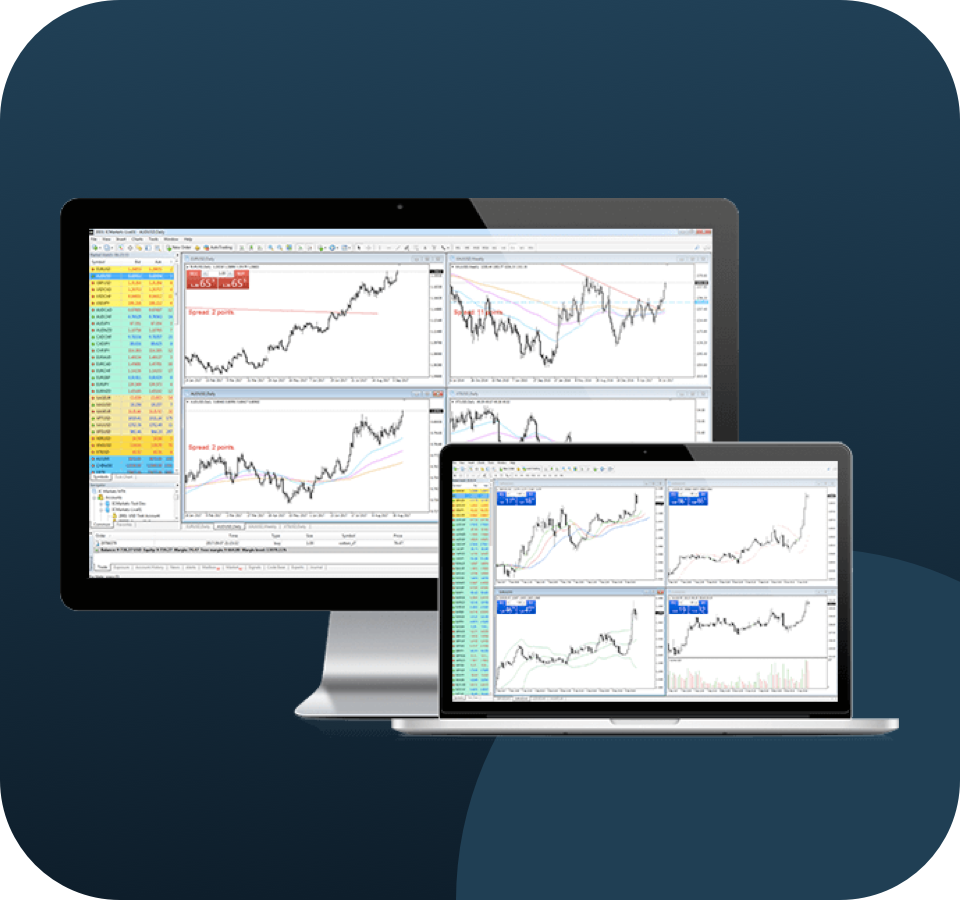
BKS Markets has created a Mac OS version of MetaTrader 5 for Mac users. This system allows customers to use many MT5 functions without installing the system. Our Mac version application software can provide customers with the same functions as desktop users. Now Mac users can install and use EAs to obtain third-party software advantages and apply them to the trading platform.

MetaTrader for Mac

Trade Directly on Your Mac with MetaTrader

Features

  • Real-time forex and CFD quotes
  • Complete set of trading orders, including market orders
  • Run all automated trading software (EAs)
  • Full range of custom indicators
  • All advantages come from MetaTrader 5 platform features
  • Advanced graphics tools and analytical functions

Advantages

  • Simpler MetaTrader 5 user interface
  • Unparalleled trading execution speed
  • Trade forex, stocks, precious metals and CFDs
  • Market-leading ECN
  • No trading restrictions - scalping allowed

System Requirements

Mac OS X 10.x or higher

Installation

Trading Platform Installation Guide

  • Download the ".dmg" file and open it.
  • After opening the file, drag the BKS Markets MetaTrader Mac version file to the Applications folder.
  • After dragging the file to the Applications folder, the software installer will automatically start and install the Mac version to your computer.
  • Log in to your real account using your login credentials.

Install Automated Trading Software (EAs)

  • Download and save your automated trading software on your Mac. Remember the path where you downloaded it.
  • Select "Start"
  • Select Program
  • Right-click "Show Package Contents"
  • Select "C Drive" then "Program Files" then "BKS Markets Trader" then select "experts"
  • Copy your ".ex4" and ".mq4" files to the automated trading directory
  • Open BKS Markets Mac version installer, and you will see your automated trading software in the navigation menu.

Install Indicators

  • Download and save indicators to your Mac. Remember the path where you downloaded them.
  • Select "Start"
  • Select Program
  • Right-click "Show Package Contents"
  • Select "C Drive" then "Program Files" then "BKS Markets Trader" then select "experts"
  • Copy your ".ex4" and ".mq4" files to the automated trading directory
  • Open BKS Markets Mac version installer, and you will see your automated trading software in the navigation menu.

Start Trading

Trusted Global CFD Broker

Open Account

Access Global Markets with BKS Markets App

app